 EN
EN Deutsch
 Español
 Français
 Italiano
 Português
 Nederlands
 Polski
 Bahasa Indonesia
 Русский
 Українська
 العربية
 עברית
עברית हिन्दी
 日本語
日本語 한국어
한국어2026-07-16
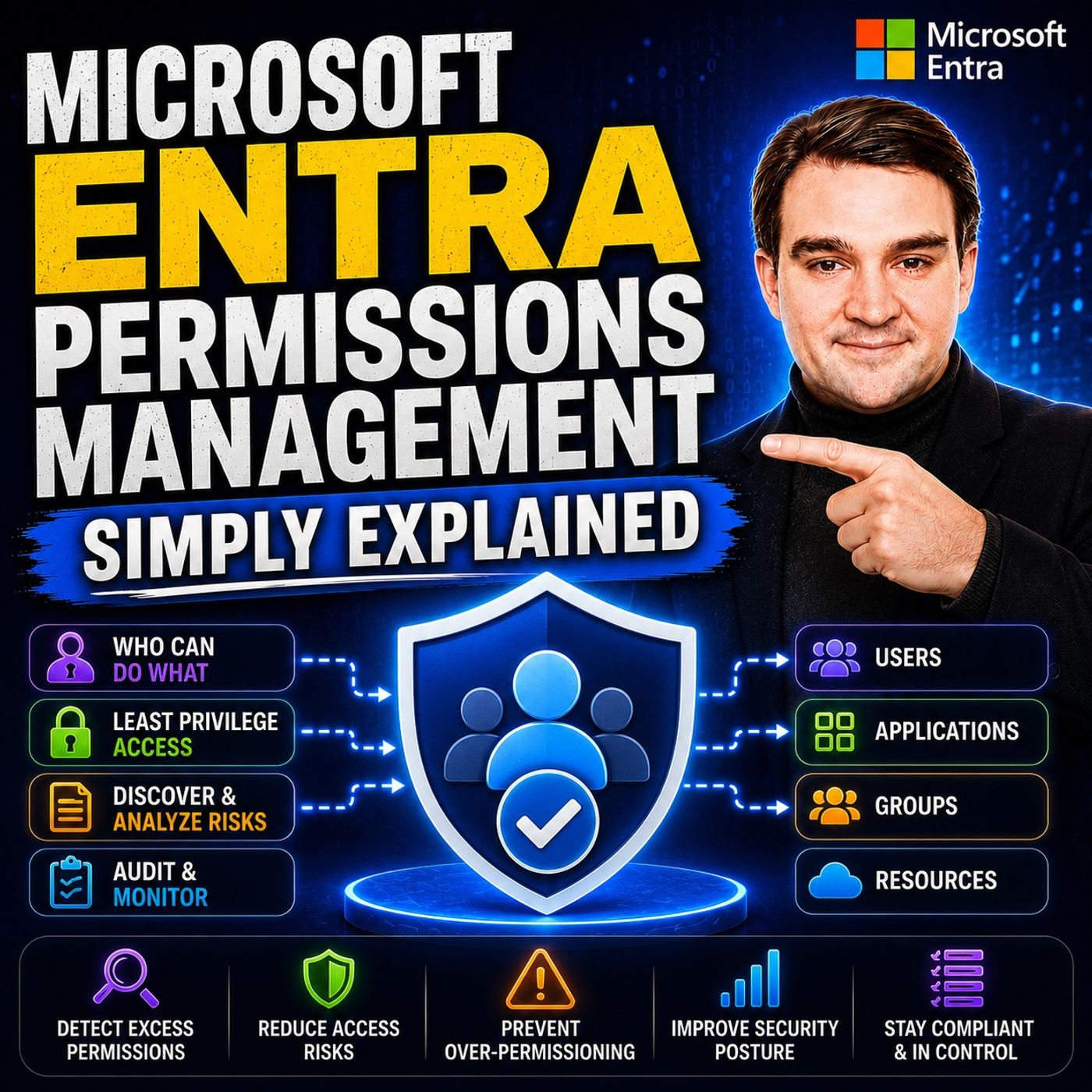
Microsoft Entra Permissions Management - Simply Explained
Show notes
Cloud security isn't just about protecting user accounts anymore. Modern organizations manage thousands of identities across Microsoft Azure, Amazon Web Services (AWS), and Google Cloud Platform (GCP). Every user, service principal, workload, application, and automation account receives permissions over time, and those permissions rarely get removed. This silent growth of unnecessary privileges is known as permission creep, and it's one of the biggest security risks facing cloud environments today. In this episode of Microsoft Knowledge Nuggets, we explain Microsoft Entra Permissions Management in simple terms and show how it helps organizations discover excessive permissions, reduce security risks, and implement true least-privilege access across multi-cloud environments. WHY PERMISSION CREEP IS A HIDDEN SECURITY THREAT Most organizations believe they're managing cloud permissions because they assign Azure RBAC roles or AWS IAM policies. The reality is very different. Employees change roles, projects finish, service accounts remain active, and privileged permissions accumulate without anyone noticing. Attackers rarely need to exploit sophisticated vulnerabilities when they can simply compromise an identity with excessive permissions. Microsoft Entra Permissions Management continuously analyzes what identities actually use instead of just what they could access, allowing security teams to identify unnecessary privileges before they become a serious security incident. HOW MICROSOFT ENTRA PERMISSIONS MANAGEMENT WORKS Entra Permissions Management follows a continuous three-stage approach: Discover, Remediate, and Monitor. First, it automatically discovers every identity, role assignment, permission, and policy across Azure, AWS, and Google Cloud. Next, it analyzes actual permission usage over time and recommends right-sized permissions based on real activity instead of theoretical access. Finally, it continuously monitors the environment, alerting administrators whenever new excessive permissions appear. This ongoing analysis provides organizations with complete visibility into their cloud entitlement landscape while dramatically reducing the attack surface created by over-privileged identities. MULTI-CLOUD VISIBILITY AND THE PERMISSION CREEP INDEX One of the most powerful capabilities of Microsoft Entra Permissions Management is its ability to provide a unified security view across multiple cloud providers. Rather than switching between Azure, AWS, and GCP consoles, administrators can identify risky identities from a single dashboard. The solution also introduces the Permission Creep Index (PCI), a measurable score that indicates how far an identity has drifted from the principle of least privilege. By tracking PCI over time, organizations can demonstrate measurable improvements in their cloud security posture while focusing remediation efforts on the highest-risk identities first. JUST-IN-TIME ACCESS, PIM, AND LEAST PRIVILEGE This episode also explains Permissions On-Demand, which allows users to request temporary access for specific administrative tasks instead of maintaining permanent privileged permissions. We compare Microsoft Entra Permissions Management with Privileged Identity Management (PIM), highlighting how the two solutions complement each other. While PIM controls when privileged roles are activated, Entra Permissions Management focuses on reducing unnecessary permissions and continuously enforcing least-privilege access across every identity and every supported cloud platform. Together they create a significantly stronger identity security strategy for modern enterprises. GETTING STARTED WITH MICROSOFT ENTRA PERMISSIONS MANAGEMENT Getting started doesn't require rebuilding your identity infrastructure. We discuss practical implementation strategies including using Microsoft's free trial, starting with a pilot subscription, collecting permission usage data before making changes, testing recommendations in simulation mode, and gradually expanding to production workloads. Whether you're responsible for Microsoft Azure, AWS, Google Cloud, or a hybrid multi-cloud environment, Microsoft Entra Permissions Management provides the visibility, analytics, automation, and governance needed to eliminate permission creep and build a more secure cloud foundation. Become a supporter of this podcast: https://www.spreaker.com/podcast/m365-fm-microsoft-365-azure-cloud-power-platform-ai--6704921/support.
Apple Podcasts · Spotify · YouTube · YouTube Music · Deezer
Host: Mirko Peters
Related articles
Transcript
Read the full transcript
Welcome to another episode of Microsoft Knowledge Nuggets here on M365. FM, I'm your host, Milco Peters. In this series, we take one Microsoft technology and explain it in plain English. Today's topic is one that almost everyone has heard of, but very few people actually understand. Microsoft Entra permissions management. What exactly is it? Is it just another security tool or is it something much bigger? Let's start with a scenario. Imagine you run a small company, you set up a cloud service, maybe Azure, maybe AWS, and you grant admin access to a few people. At first, it's simple. You know exactly who can do what, but fast forward a year. People have come and gone, projects started and ended, and now you have no idea who still has access to what. Do you have identities floating around with permissions you forgot you even granted? Most people think managing permissions is about assigning roles. You give someone, contributor or owner, and you're done. But that's not the real problem. The real problem is losing track of who has too much power. And that's a quiet, risk-most organizations never see coming. By the end of this episode, you'll understand what Entra permissions management actually is, and how it gives you X-Ray vision into your cloud permissions. You'll see why it matters how it works, and how it can save you from a disaster you didn't know is brewing. So grab your coffee and let's dive in. The old way, why it's broken. 20 years ago, permissions were simple. You gave someone a key to the file room or you didn't. If they left the company, you collected the key. End of story. Today's world is nothing like that. The cloud, Azure AWS GCP, has thousands of identities. Human users, service principles, automated scripts, containers. Each one gets permissions assigned at some point. A developer needs access to a subscription for a project. So you grant them, contributor. The project finishes. The developer moves on. But those permissions stay forever. That's permission creep. It's slow, it's silent, and it's dangerous. Here's the scary part. Most breaches don't start with someone breaking in through the front door. They start with a compromised identity. Someone's credentials get stolen, and that identity has way more access than it should. Maybe it's an old service account that was never cleaned up. Maybe it's a developer who still has owner on a production subscription from a project three years ago. Either way, the result is the same. The attacker gets in, and they have the keys to the kingdom. Now here's the thing about traditional tools. Azure R-Back, AWS IAM policies, they tell you what permissions could be used. They show you the potential, but they don't tell you what actually gets used. You might have a policy that grants full control over every resource, but if nobody ever touches those resources, you'd never know. You're managing potential, not reality. And that's a blind spot. So what if there was a tool that could watch every permission, every action across every cloud and tell you exactly who has too much? What is intra permissions management? The simple answer. That tool is Microsoft, intra permissions management. The official name is a cloud infrastructure, entitlement management solution, C-I-M for short. But let's skip the jargon. In plain English, it's an X-ray machine for every permission across Azure, AWS and GCP. Think of it like a security guard who walks through your office building and checks every badge. Are you supposed to be in this room? Do you actually need to be here? It doesn't just check once. It checks every day, every hour, every time someone tries to enter. Here's how it works. First, it discovers every identity in your cloud environments, every user, every service principle, every role, every policy. It builds a complete map of who can do what, on which resource, in which cloud, then it watches what those identities actually do, not what they can do. That gap between granted permissions and used permissions is where the risk lives. If an identity has contributor on a subscription, but only ever reads blobs, that's a gap. If a service principle has full admin access, but only ever starts and stops VMs, that's a gap. Entra permissions management finds those gaps and tells you exactly where they are. A quick bit of history, this product wasn't originally built by Microsoft. It started as a company called Cloud Knox, Microsoft acquired them a few years ago and folded the technology into the entra family. So you're getting a proven product that's been doing this for a while. So how does it actually work under the hood? Let's break it down. How it works? The three phases. Microsoft designed Entra permissions management around three phases. Discover, remediate, monitor. Think of it like a security audit that never stops. First, discover the tool connects to your Azure subscriptions, your AWS accounts, your GCP projects. It pulls in every IAM policy, every role assignment, every service principle, everything, then it creates a complete map. Who can do what, on which resource, in which cloud, you get a single view of your entire permission landscape, no more logging into three different consoles and trying to piece things together. Second, remediate. This is where the real magic happens. Based on 90 days of actual usage data, the tool identifies permissions that were never used or used only once. It compares what an identity can do against what it actually does. Then it recommends a right-sized policy, a set of permissions that matches real behavior and nothing more. You can apply those changes automatically or review them manually first, your choice. Third, monitor. After the cleanup, the tool keeps watching. If someone gets over-privileged again, maybe a new role gets assigned, maybe a policy gets expanded, it flags it immediately. You get an alert, you investigate, you fix it. This isn't a one-time audit you run every quarter. It's a continuous process that runs in the background day and night. And here's where it gets interesting. It works across clouds, not just Microsoft's backyard. The multi-cloud view, one dashboard to rule them all. Most organizations don't use just one cloud. They use Azure plus AWS plus maybe GCP. Each platform has its own IAM system, its own language, its own way of granting permissions. Keeping track of who has access to Watercross All 3 is a nightmare. Most organizations don't even try. They manage each cloud separately and the gaps between them become invisible. Entra permissions management pulls all three into one view, same interface, same metrics. You don't need to learn three different consoles. You get one. Here's a concrete example. Imagine a single service principle. It has owner in Azure, administrator access in AWS, and roles owner in GCP. In the old world, you'd have to check each platform separately to see that. And you'd probably miss it. In Entra permissions management, you see it on one screen. One identity overprivileged across three clouds. This matters because permission creep doesn't respect cloud boundaries. An identity that's overprivileged on one platform is a risk to all platforms. If someone compromises that service principle, they don't just have access to your Azure resources. They have access to everything. The analytics dashboard shows you the riskiest identities across all clouds together. You can prioritize your work, fix the highest risk identities first, regardless of which cloud they belong to. But how do you measure whether you're actually getting better? That's where the permission creep index comes in. The permission creep index, your scorecard. So how do you know if you're making progress? How do you measure whether your environment is actually getting safer? That's where the permission creep index comes in. Permission creep index, PCI for short, is a single number that tells you how far your environment has drifted from least privilege, think of it like a credit score for your permissions. Except in this case, higher means worse. A high PCI means you're overprivileged and risky. A low PCI means your permissions match what people actually need to do their jobs. It's calculated per identity. The tool looks at what permissions and identity has, compares that to what they actually use and generates a score. If someone has contributor on a subscription, but only ever reads data, their PCI is going to be high. If they only have the permissions they actually use, their PCI is low. Simple. The dashboard shows you a list of identities sorted by PCI. The worst offenders at the top. You don't have to guess who's overprivileged. It tells you and it updates continuously so you can track your progress over time. Here's a real example. One organization ran their first remediation pass. The average PCI was 80%. That means most identities had far more permissions than they needed. After right sizing, the average PCI dropped to 25%. That's a 75% reduction in unnecessary permissions. Think about what that means for their security posture. If an attacker compromised any of those identities, their blast radius was dramatically smaller. This metric is gold for auditors and security teams. It's objective. It's measurable. It's trackable. You can show your auditor that your average PCI went from 80% to 25% over six months. That's proof you're getting better. Not just a promise. Now, not every permission needs to be removed. Sometimes you need temporary access to do a specific job. That's where permissions on demand comes in. Permissions on demand, just in time, not just in case. The goal of Entra Permissions Management isn't to lock everything down so tight that nobody can do their job is to give people what they need when they need it. And nothing more. That's the principle of least privilege in practice. Permissions on demand is a feature that lets users request temporary scope permissions for specific tasks. Here's how it works in practice. Imagine a DevOps engineer needs to restart a production server. In the old model, you'd give them permanent contributor rights on that server. And those rights would stay forever, even after the task was done. That's just in case access. And it's the root cause of permission creep. With permissions on demand, the engineer doesn't get permanent rights. Instead, they request a two-hour window with just that one action. Restart the server. And the request goes through an approval workflow if you set one up. It gets granted automatically. And when the two hours are up, it expires. The engineer can't restart the server anymore. They don't need to. The task is done. This is the opposite of the old model. Instead of granting access just in case someone might need it, you grant access just in time for when they actually do. And it expires automatically. No cleanup required. Permissions on demand works alongside existing tools like privileged identity management or PM. But they serve different purposes. The PM manages who can be an admin. It controls when someone can activate a privileged role like global administrator. Permissions on demand manages what temporary permissions and identity can hold. It controls what actions they can take on specific cloud resources. They complement each other, but they're not the same thing. And that brings us to a common question. How does permissions management relate to PIM? Let's clear that up. Permissions management versus PIM, the real difference. Many people confuse intro permissions management with privileged identity management. It's an easy mistake to make. Both tools deal with permissions, both are part of the entra family, but they serve completely different purposes. PM, privileged identity management, is about controlling when privileged roles get activated. Think of it as a just in time elevation tool. Someone needs to be global administrator for a specific task. They request it, they get approved, they get the role for a limited time. Then it expires PIM manages the timing of privilege. Permissions management is different. It's about discovering what permissions exist across all your clouds and all your identities. Then right sizing them. It doesn't care about timing. It cares about scope. Does this identity have permissions it doesn't use? Does this service principle have access to resources it shouldn't? That's what permissions management answers. Here's a simple way to think about it. PIM manages the front door security. It decides who gets to walk through and when. Permissions management checks every room in the building. It asks, does this person actually need to be in this room? Do they have keys to rooms they never enter? They're complimentary. But your organizations use both. Here's a concrete example. PIM ensures that your global admin role is only active for two hours when someone needs it. That's good. But during those two hours, that account might still have unnecessary permissions to AWS resources. Permissions management catches that. It ensures that even during those two hours the account doesn't have permissions it doesn't need. PIM handles the when. Permissions management handles the what? There's also a licensing difference. PIM requires EntraID, P2 or ID governance licenses. It's user-based. Permissions management is resource-based. You pay per workload. Different pricing models, different coverage. Here's the key takeaway. If you only use PIM, you're still blind to permission creep across non-admin identities and multi-cloud environments. PIM is great for privileged roles, but it doesn't help you with the thousands of other identities floating around your cloud. Permissions management fills that gap. So how do you actually get started without causing chaos in your production environment? Getting started. Practical steps without breaking things. First, don't flip it on for everything at once. It's a recipe for disaster. Start with a pilot. Pick one as your subscription or one AWS account. Something small, something manageable. Microsoft offers a free 45-day trial. Take advantage of it and you can test the tool without any commitment. No credit card required. Just connect it to your pilot environment and let it run. Let it collect data for at least a week. The tool needs time to build a baseline of actual usage. Don't rush this step. The more data it collects, the better its recommendations will be. After a week, review the Permission creep index reports. Look at the top five overprivileged identities who has the highest PCI scores. What permissions do they have that they don't use? Just look, don't change anything yet before you apply any changes. Use simulation mode. This is critical. Simulation mode shows you what would change without actually changing anything. It tells you if you apply this right-size policy, these permissions will be removed and these identities will be affected. You can review everything before pulling the trigger. Once you're confident, apply the changes to your non-production accounts first. Test them. Make sure nothing breaks. To production. Slow and steady wins this race. After the cleanup, set up continuous monitoring and alerts. Configure the tool to notify you when new permission creep starts. Maybe a new role gets assigned to an identity. Maybe a policy gets expanded. You want to know about it immediately, not six months later. Here's a pro tip. Use the permissions on demand templates for common tasks. Create a library of temporary access patterns. Restart server, deploy update, rotate keys. Make it easy for your team to request the exact permissions they need for the exact duration they need them. You can use the permissions on demand templates for the first time. Remember this is a journey, not a one-time project. You won't fix everything in a week. Start small. Measure your progress. Expand slowly. Over time, your permission creep index will drop and your security posture will improve. That's the goal. Let's wrap up with the big picture. So here's where we are. You now understand the problem. Permission creep is silent, slow, and dangerous. It builds up over months and years and most organizations never see it coming until it's too late. You know the solution. Permission management gives you visibility, analytics, and automation across all your clouds. It discovers what permissions exist. It tells you what's actually being used and it helps you write-size everything to match real behavior. Here's your homework. Pick one subscription. Start the free trial. Just look at your permission creep index. You might be surprised at what you find most organizations are. If this episode helped you, subscribe to Microsoft Knowledge Nuggets on your favorite podcast platform. Shared with someone who manages cloud access in their organization, they'll thank you. This episode will explore how to build your first access package in entitlement management. It's a perfect follow-up to today's topic. You'll see how all these pieces fit together. Thanks for listening. I'm MocoPeters from M365. FM and I'll see you next time.