 EN
EN Deutsch
 Español
 Français
 Italiano
 Português
 Nederlands
 Polski
 Bahasa Indonesia
 Русский
 Українська
 العربية
 עברית
עברית हिन्दी
 日本語
日本語 한국어
한국어2026-07-12 · Season 3
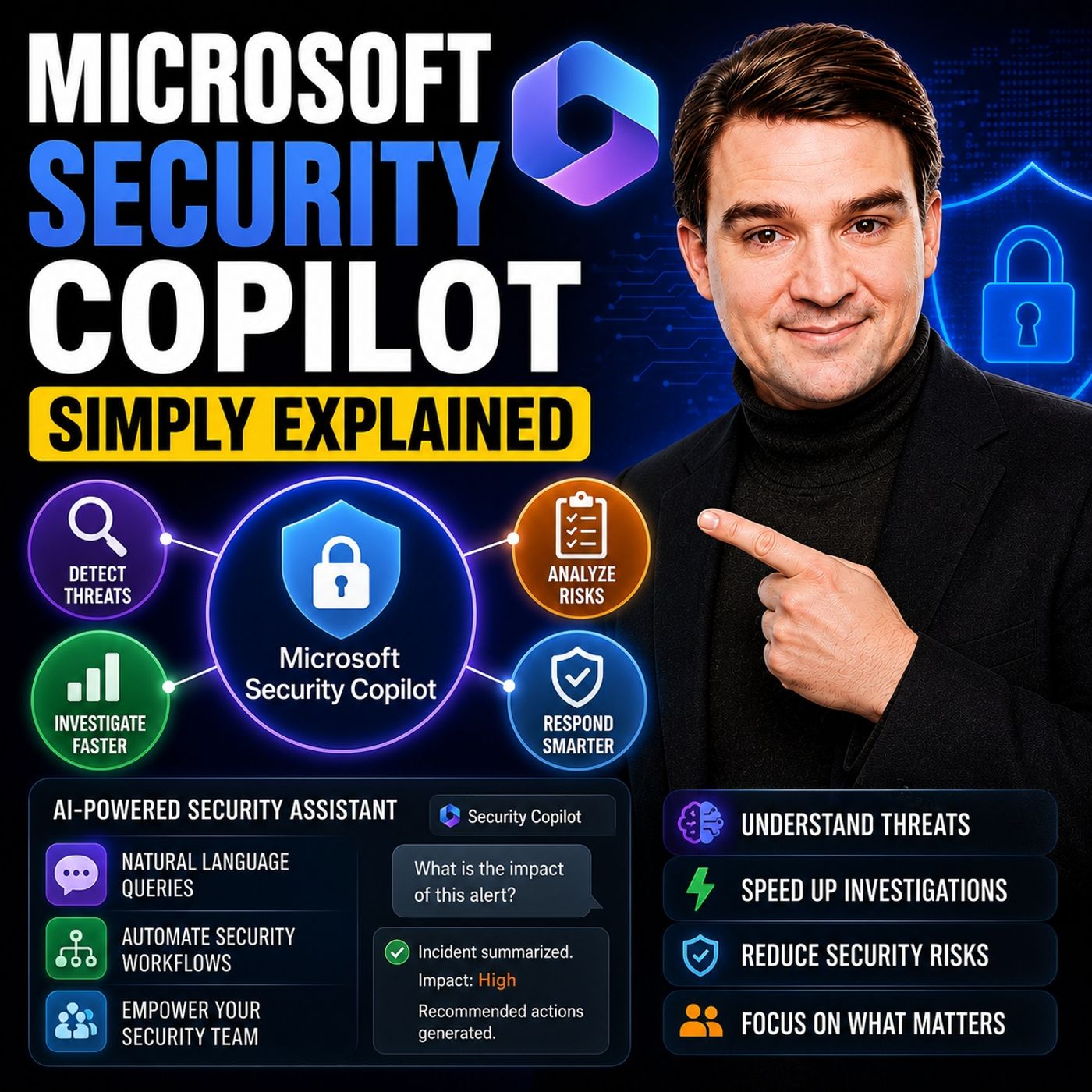
Microsoft Security Copilot - Simply Explained
Show notes
Security teams face a common challenge: thousands of security alerts, limited staff, and not enough time to investigate every incident. Most alerts turn out to be harmless, but hidden among them can be genuine attacks that require immediate attention. Microsoft Security Copilot was built to solve exactly this problem. Rather than replacing your existing security tools, it adds an AI-powered intelligence layer across Microsoft Defender, Entra, Intune, Purview, and other Microsoft security products. It helps analysts investigate faster, prioritize threats, summarize incidents, and recommend next steps using natural language. AN AI ASSISTANT FOR YOUR SECURITY STACK Security Copilot isn't another security dashboard. Instead, it works alongside the Microsoft security tools you already use, allowing you to ask questions like "What happened overnight?", "Which devices are out of compliance?", or "Show me risky sign-ins." Unlike general-purpose AI, Security Copilot understands your organization's environment, combining Microsoft's global threat intelligence with your own security data to provide recommendations that are directly relevant to your tenant. SECURITY COMPUTE UNITS (SCUS) Every action inside Security Copilot is powered by Security Compute Units (SCUs). Think of SCUs as the fuel that powers the AI. Each prompt, report, investigation, or AI agent consumes a small number of compute units. Organizations with Microsoft 365 E5 licensing receive monthly SCUs based on the number of licensed users, while additional capacity can be purchased if required. Microsoft also provides detailed usage reporting, allowing administrators to monitor AI consumption and prevent unexpected costs. AI AGENTS THAT DO THE HEAVY LIFTING The most powerful feature of Security Copilot is its growing collection of specialized AI agents. The Phishing Triage Agent automatically investigates suspicious emails, evaluates sender reputation, analyzes links, and prioritizes dangerous messages. The Conditional Access Optimization Agent reviews Entra ID policies, identifies security gaps, and recommends Zero Trust improvements. The Vulnerability Remediation Agent prioritizes devices requiring updates, while the Threat Intelligence Briefing Agent generates executive-ready reports summarizing emerging threats relevant to your organization. Additional agents assist with security alert triage, insider risk investigations, data loss prevention, and recurring security tasks through reusable prompt books. WHAT DAILY WORK LOOKS LIKE Instead of manually switching between Defender, Entra, Intune, and multiple admin portals, Security Copilot brings everything together. A security analyst can begin the day by reviewing an AI-generated summary of overnight incidents. Reported phishing emails are already investigated, risky sign-ins identified, vulnerable devices prioritized, and recommended actions prepared. Routine investigations that previously required complex KQL queries and multiple management consoles become simple natural-language conversations, allowing analysts to focus on decisions rather than repetitive analysis. WHO BENEFITS MOST? Security Copilot is especially valuable for organizations with small IT and security teams. Many businesses rely on a single administrator responsible for infrastructure, identity, compliance, endpoint management, and cybersecurity. Security Copilot acts as a force multiplier by handling repetitive investigations, accelerating incident response, and helping less experienced administrators perform complex security tasks with confidence. Rather than replacing security professionals, it enables them to work significantly faster while reducing alert fatigue and burnout. GETTING STARTED Organizations using Microsoft 365 E5 can enable Security Copilot through their Microsoft environment and begin working almost immediately. After assigning the appropriate security roles and creating a workspace, administrators can start experimenting with AI prompts and gradually introduce specialized agents such as Conditional Access Optimization or Phishing Triage. Beginning with one or two agents allows teams to experience immediate productivity improvements before expanding into more advanced automation scenarios. SECURITY, PRIVACY, AND GOVERNANCE Security Copilot follows the same permission model as the Microsoft security platform itself. It can only access data users are already authorized to view, while customer information remains inside the organization's Microsoft tenant. However, organizations should review permissions, data classifications, and governance policies before enabling AI broadly to ensure sensitive information is properly protected. With strong governance in place, Security Copilot becomes a trusted AI assistant that helps security teams investigate threats faster, reduce manual effort, and improve overall cyber resilience without sacrificing control or compliance. Become a supporter of this podcast: https://www.spreaker.com/podcast/m365-fm-microsoft-365-azure-cloud-power-platform-ai--6704921/support.
Apple Podcasts · Spotify · YouTube · YouTube Music · Deezer
Host: Mirko Peters
Guests
Related articles
Transcript
Read the full transcript
picture this, it's two in the morning, and you're the only IT person at your company. Your phone starts buzzing and won't stop. Security alerts are pouring in one after another. Most of them are probably nothing, but you can't ignore them because somewhere in that noise, a real attack, might be hiding. What if you had an AI assistant that could triage those alerts for you, tell you which ones matter, and even suggest what to do? That's exactly what Microsoft Security Copilot does. By the end of this episode, you'll understand what it actually is, how its AI agents work, and why it's a powerful tool, especially for small teams. We'll break it down into the problem it solves, what the tool really is, the agents that do the work, and how you can start using it today. The problem, alert overload. For most security teams, the reality is simple. Hundreds of alerts come in every day. Way more than one person can handle. And most of false positives, are rule fires, but there's no real threat. Yet every single alert still needs a check. It gets even worse for small teams. Security isn't your only title. You're also the IT person, the compliance officer, and the printer repairer. Every hat in the building is yours. And you're stretched that thin, real threats get buried and response times drop. Burnout is a when, not an if. Microsoft saw this problem and built an answer. An AI assistant that lives inside the security tools you already use. It triages alerts. It summarizes incidents. It recommends actions. The goal is simple. Instead of drowning in noise, you focus on what actually matters. So what exactly is this thing? What security copilot actually is? So what exactly is security copilot? Let's clear up a common myth right away. It's not some new security product you need to learn from scratch. And it's not another dashboard to check every morning. Instead it's an AI layer that sits on top of the tools you already have. Microsoft Defender, Entra, Intune, Perview, think of it like having a senior analyst on your team who speaks plain English. You can ask questions like what happened last night? Or show me which devices are out of compliance. And it will summarize incidents, create queries, and tell you what to do next. Now here's the key difference from something like chatGPT. ChatGPT knows the public internet, but security copilot knows your environment, your sign-ins, your devices, your alerts. It's trained on Microsoft's threat intelligence and your own security data, so it gives answers that actually apply to your situation. A general AI tool doesn't have that access because it doesn't know what's happening inside your tenant. Under the hood, copilot runs on something called security compute unit, so SCUs. Think of those as the fuel that powers the engine. Every prompt you run, every agent you launch uses a bit of that fuel, but the real value isn't the chat window. The real value is how copilot pulls data from Defender, Entra, Intune, and Perview all at once and gives you one clear answer. You don't need to jump between five consoles to understand what's happening and the power goes beyond chat. It's the agents that automate and handle tasks for you. How it works? The brains. Eskies in integration. Now let's talk about what actually makes security copilot run. Under the hood it uses security compute units or SCUs. Think of them as the fuel for the engine. Every time you run a prompt, launch an agent or generate a report, you burn a little bit of that fuel. Your soft prices SCUs per hour and if you have an E5 license, you get a chunk included each month. Here's how the math works. For every thousand users, E5 gives you 400 SCUs per month. So if you're a small team with 50 users, that's about 20 SCUs each month. With 200 users you get 80. It scales automatically based on your paid E5 seats and there's a maximum of 10,000 SCUs per month that kicks in around 25,000 users. But how does copilot actually connect to your environment through plugins? It plugs into Defender, Entra, Intune, Sentinel and even third party tools if you have them. Each plug and acts as a bridge between copilot and that data source. And here's an important detail. Copilot doesn't copy or store your data. It queries your systems in real time so everything stays inside your tenant. Your data never leaves your control. You can monitor exactly how many SCUs you're using from the copilot dashboard which shows every prompt, who ran it and how much fuel it consumed. Overage is disabled by default so if you run out of SCUs before the month ends, copilot just stops working until your next allotment refreshes, no surprise bills. You can also buy extra SCUs if you need more power but for most small teams, the included amount is plenty for daily use. Now let's look at the agents, the real workhorses, the agents, your AI security team. This is where security copilot really proves its value. Agents are pre-built AI assistants that take care of specific security tasks for you. Some run automatically on a schedule while others you trigger manually when you need them. Each agent has a specialist on your team. One handles phishing, another handles access policies, and another handles device vulnerabilities. You don't need to train them or write complex queries. They just do their job. First up is the phishing triage agent inside Microsoft Defender. This agent automatically reviews every email your user's report as suspicious. It analyzes the content, checks the links, looks at the sender reputation and then decides whether it's a real threat or just junk. The most dangerous ones get pushed to the top so you see them first. Microsoft says analysts using this agent detect malicious emails up to 550% faster than without it, and that's not a small improvement. For a team of one or two people that kind of speed can mean the difference between catching a breach early and dealing with a full blown incident. Next comes the conditional access optimization agent in Entra. This agent scans your access policies and looks for gaps. Maybe a new app isn't covered by any policy yet, or some users slipped through without MFA. The agent finds those holes and suggests fixes and it can even create new policies in report only mode so you see the impact before turning them on. Identity admins using this agent achieved up to 204% better accuracy, finding missing zero trust policies, more than double what you'd get from manual reviews. Then there's the vulnerability remediation agent in Intune. This one identifies devices that need patching, prioritizes them by severity, and can create groups for deployment. Instead of manually checking each device, you get a clear list of what needs attention and in what order, which saves hours of work every week. The leadership there is the threat intelligence briefing agent. This one runs on a schedule, weekly daily, whatever you set. And generates a briefing tailored to your industry and current threats. It pulls from Microsoft's threat intelligence and matches it up with your environment. And the result is a report you can send straight to your CEO, no more scrambling to put something together before a board meeting. The security alert triage agent goes beyond fishing. It sorts through alerts across identity, endpoint, and cloud. So if someone signs in from an unusual location and a device flags suspicious activity, the agent connects those dots for you. And in purview, the insider risk and DLP agent's surface only the alerts that actually need human review. They filter out the noise so you're not wasting time on false positives from your data protection policies. You can also use something called prompt books. These are saved sequences of prompts you run on repeat, like a weekly device compliance check. Instead of typing the same questions every Monday morning, you build the prompt book once and run it with one click. It's like a macro for your security investigations. So what does it feel like to actually use this? What it feels like a day in the life. Let's walk through what this actually looks like in practice. You're a solo IT admin at a midsize company and it's Monday morning. You grab your coffee, open the defender portal, and there it is. A summary of everything that happened over the weekend. Three alerts showed up and co-pilot already did the first pass. Two were false positives, cleared and one real fishing attempt needs your attention. To click into the fishing triage agent, it already analyzed the email, found the malicious link, traced where it leads, and identified the user who received it. The agent recommends blocking the sender and resetting that user's password. One click to approve and 30 seconds later it's done. Without co-pilot, you'd have to open the email, inspect the headers, check the URL manually, cross-reference it with threat intelligence, figure out who else might have received it, then go to the admin center to block the sender and reset credentials. That's 15 minutes minimum, probably more and that's just one alert. Later that morning you need to check device compliance. Instead of drilling into Intune filtering by compliance status and expanding each device to see what's wrong, you just type, show me which devices are out of compliance and why. Co-pilot pulls from Intune, lists the devices and tells you exactly what's wrong. This one's missing a Windows update that one doesn't have the latest antivirus definitions clear, actionable, and you didn't write a single query. Then you need to check for risky sign-ins. You ask, which users signed in from unmanaged devices? Co-pilot pulls from intrasign-in logs and gives you a list. You spot a user who logged in from a personal device in another country. You investigate, confirm its legitimate, and move on, five minutes total. End of the day you run the threat intelligence briefing agent. It generates a report summarizing threats in your industry for the past week, tailored to your company's profile, and emails it to your CEO automatically. You didn't have to research, write, or format anything. It just shows up. All of this happened without switching between five different consoles without writing a single KQL query and without spending hours on manual investigation. That's exactly what security co-pilot is built to give you, but who is this really for? Who it's for? Small teams and IT pros. Here's the thing about security co-pilot. It's not designed to replace your security team. It's designed to make your team stronger. Microsoft calls it a force multiplier, and that's exactly what it is. It's built for the IT manager who also handles security, the MSP managing a dozen clients with a handful of people, and the small business with one or two IT folks who suddenly find themselves responsible for cybersecurity. The numbers back this up. Early users report 30% faster incident response times, meaning when something bad happens, you contain it almost a third faster than before. They also see 54% less time-resolving device policy conflicts. Those annoying situations where a device doesn't match your security settings and you have to figure out why. In Fishing Trash, the reduction in manual work hits 95% because instead of reviewing every reported email yourself, the agent handles the first pass and only surfaces the ones that need your judgment. It also helps your less experienced staff. The guided workflows and plain English explanations mean a junior analyst can handle incidents that would normally require years of experience. Co-pilot walks them through the investigation step by step, like having a senior mentor looking over their shoulder without needing to hire one. Microsoft positions this as doing more with less, and it's true. You don't need five security specialists if you have co-pilot and one good analyst who knows how to use it. The AI handles the repetitive work while your people focus on the decisions that actually need human judgment. But there's a catch. Security co-pilot works best if you already live inside Microsoft's security ecosystem. Defender, Entra, Intune, Perview, that's where it shines. If your stack is all third-party tools, the value drops significantly, though it can still connect to some of them through plugins. The deep integration is with Microsoft's own products. And it's not fully autonomous. The agents recommend, suggest, and surface what needs attention, but you still make the final call. Humans approve the actions, and that's by design because you don't want an AI-making security decisions without oversight. But it means you can't just set it and forget it and you still need to be in the loop. So how do you actually get started? Getting started, what you need. First things first, you need the right license. Security co-pilot is included with Microsoft 365, E5, and E7, and that's the only way to get it without paying extra. So step one is checking if your organization already has those licenses. If you do, you're most of the way there. You also need an Azure subscription because that's where the SCUs are provisioned and built. For an E5 customer, Microsoft gives you 400 SCUs per month for every 1000 users and that gets added to a shared pool automatically. You don't have to calculate or request it. It just shows up. If you need more than you're included a lot, you can buy extra SCUs. But here's something important. Overage is disabled by default. That means if you run out of SCUs before the month ends, co-pilot simply stops working until your next allotment refreshes. No surprise charges because you have to intentionally turn overage on if you want it. Your testing leave it off. Setup is surprisingly easy. For E5 tenants, security co-pilot is enabled automatically so you don't need to install anything or configure complex settings. You just need to assign roles to the people who will use it. Security admins, global admins, that kind of thing. Then go to securityco-pilot, Microsoft.com, create a workspace and start prompting. That's it. One thing to watch out for if you're testing, turn off overage capacity. And when you're done, delete the SCUs to avoid ongoing charges. Don't worry about losing your work. It keeps your workspace data for 90 days even after you delete the SCUs. Your investigations, prompt history, everything stays so you can pick up where you left off later. Before you jump in, there are a couple of things to know. The trade-offs, privacy and trust. Here's the thing about security co-pilot. It can access anything the user has access to. That's what makes it powerful, but it's also where the risk lives. Think of it like giving someone a master key to your office building. If permissions are too broad, co-pilot can surface sensitive data that the person running the prompt shouldn't see. A misconfigured SharePoint folder or an overshared document becomes a problem when AI can find it instantly. Now Microsoft says customer data is not used to train the foundation models. All processing stays within your tenant. Your security data doesn't leak out or get absorbed into some public model, so that part is solid, but here's what you need to watch, your own governance. Before you turn co-pilot on, audit your permissions, classify your sensitive data. Monitor what people are asking it, and here's one more thing. Co-pilot outputs don't always inherit sensitivity labels from the source files. So a reported generates might contain sensitive information without the proper classification. You may need to manually label those outputs for most small teams to benefit far outweigh the risks. But don't skip the basics. A little upfront work on permissions and classification goes a long way. Let's move on to what you can actually do about it. So what should you do right now? Start by checking if your organization has e5 licenses. Go to the Microsoft 365 admin center. Look at your subscriptions. If you see Microsoft 365 e5 security co-pilot is already included, assign roles to your security people and start testing. Next, audit your permissions before you enable co-pilot. Find the overshared data and fix it. You can use Microsoft purview or a third party tool to scan for exposed files. Think of this as your insurance policy. It keeps co-pilot from surfacing things it shouldn't. Then start with one agent. The conditional access optimization agent is the easiest to set up, enable it, let it scan your policies and review the recommendations. It gives you immediate value with almost no effort. Once you're comfortable with that, add the phishing triage agent, then build from there. If this episode helped you understand security co-pilot, subscribe for more plain English breakdowns. And if you're already using it, drop a comment with your favorite agent.