 EN
EN Deutsch
 Español
 Français
 Italiano
 Português
 Nederlands
 Polski
 Bahasa Indonesia
 Русский
 Українська
 العربية
 עברית
עברית हिन्दी
 日本語
日本語 한국어
한국어2026-07-13 · Season 3
Copilot for Microsoft Fabric - Simply Explained
Show notes
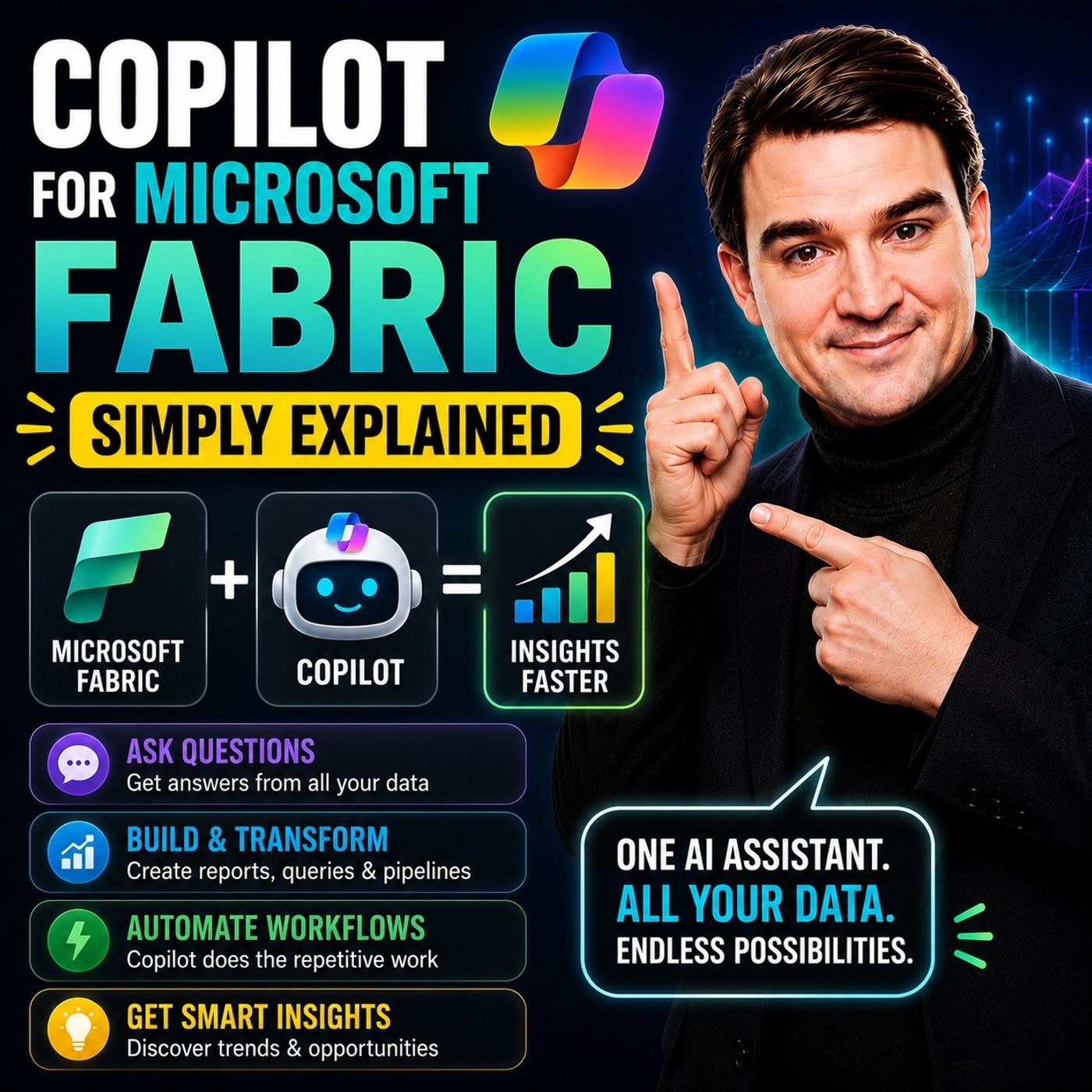
Microsoft has several Copilots, but each one serves a completely different purpose. Microsoft 365 Copilot helps you write documents and summarize meetings. GitHub Copilot helps developers write code. Copilot for Microsoft Fabric is designed specifically for data and analytics. It acts as an AI-powered data assistant that helps you write SQL, generate DAX measures, build reports, create data pipelines, and transform datasets using plain English. Instead of memorizing complex syntax, you simply describe what you want, and Copilot generates a working first draft that you can review and refine. AN AI ASSISTANT FOR YOUR DATA Copilot is built directly into Microsoft Fabric and understands your organization's data. Powered by Azure OpenAI, it doesn't rely on generic internet knowledge. Instead, it understands your Fabric workspace, semantic models, tables, schemas, and relationships. Whether you're asking for a SQL query, a Power BI report, or a PySpark transformation, Copilot generates content based on your actual business data. Think of it as a junior data engineer who works incredibly fast—but still needs your review before anything goes into production. ** WHERE COPILOT WORKS Copilot is integrated across several Microsoft Fabric workloads. Inside Data Factory, it helps build Power Query transformations and data pipelines using natural language. Within Data Engineering, it generates PySpark code for Fabric Notebooks, explains existing code, and helps developers understand complex data transformations. In the Data Warehouse, Copilot converts plain English into SQL queries, making data exploration much easier for users who don't write SQL every day. Finally, in Power BI, Copilot creates dashboards, generates DAX measures, builds visualizations, and summarizes reports in natural language for business users. REAL-WORLD EXAMPLES Different roles benefit from Copilot in different ways. A data engineer can generate PySpark code to clean and transform raw datasets without manually writing every line of code. A business analyst can describe a dashboard in plain English and have Copilot build the initial Power BI report, complete with charts, KPIs, and calculated measures. A SQL user can request a query such as "Show total sales by region for last quarter," allowing Copilot to generate the SQL automatically instead of manually writing joins and aggregations. Each scenario dramatically reduces repetitive work while allowing experts to focus on analysis rather than syntax. GETTING STARTED Using Copilot requires very little setup. Organizations need Microsoft Fabric running on a paid Fabric capacity (F2 or higher), and a Fabric administrator must enable Copilot within the tenant settings. Once enabled, Copilot appears directly inside the supported Fabric experiences without requiring additional installation or configuration. It also respects existing security permissions, meaning users only receive AI assistance for data they are already authorized to access. WHY BEGINNERS SHOULD CARE One of the biggest barriers to analytics has always been learning technical languages such as SQL, DAX, and PySpark. Copilot dramatically lowers that barrier by allowing users to describe business problems in natural language instead of writing code from scratch. Rather than spending weeks learning syntax before becoming productive, beginners can start building reports, exploring data, and learning by reviewing the code Copilot generates. It accelerates learning while making self-service analytics accessible to a much wider audience. THE HUMAN STILL MATTERS Despite its impressive capabilities, Copilot should never be treated as an autonomous data engineer. It can misunderstand prompts, generate inefficient SQL, select the wrong visual, or produce calculations that require refinement. Every generated query, DAX measure, notebook, and report should be reviewed and validated before being used in production. Copilot removes repetitive work—but data quality, governance, security, and business decisions still belong to people. WHY COPILOT FOR FABRIC MATTERS ** Copilot for Microsoft Fabric represents one of Microsoft's biggest advances in modern data analytics. By combining AI with Fabric's unified data platform, it enables both beginners and experienced professionals to build pipelines, analyze data, create reports, and generate insights much faster than before. Rather than replacing data professionals, it allows them to spend less time writing repetitive code and more time solving business problems. When paired with a clean semantic model and strong governance, Copilot becomes an incredibly powerful productivity tool that makes Microsoft Fabric more approachable, more efficient, and significantly easier to learn. Become a supporter of this podcast: https://www.spreaker.com/podcast/m365-fm-microsoft-365-azure-cloud-power-platform-ai--6704921/support.
Apple Podcasts · Spotify · YouTube · YouTube Music · Deezer
Host: Mirko Peters
Related articles
Transcript
Read the full transcript
Welcome to another episode of Microsoft Knowledge Nuggets here on M365. FM, I'm your host, Mirko Peters. Today's topic is one that almost everyone has heard of, but few can actually explain. Copilot for Microsoft Fabric, you hear the word "copilot" everywhere these days. In word and teams and GitHub in Windows. So when someone mentions copilot for fabric, you probably think same thing different app, right? Wrong. By the end of this episode, you will know exactly what it is, where it works, and why it matters even if you have never written a line of SQL. The copilot confusion. Here's the thing, Microsoft has a lot of copilets and most people lump them all together, but they are not the same thing at all. Microsoft 365 copilot helps you write documents in word, summarize emails in outlook, and take notes in teams. GitHub copilot suggests code when you are working in VS code. It is for software developers building applications, and then there is copilot in fabric, that one is completely different. It works specifically on data and analytics inside Microsoft Fabric. Think of it this way. Imagine a company with three specialists. One writes reports for the executive team. One builds software products, and one handles all the company's data, cleaning it, querying it, building reports from it. They are all smart people, but they do completely different jobs. That is how Microsoft's copilot's work. M365 copilot is your report writer. GitHub copilot is your software builder, and fabric copilot is your data specialist. So now that we know what it is not, let us talk about what it actually is. What copilot for fabric actually is. Welcome to another knowledge nugget. I'm Mirko Peters from M365. Today's topic is something many people have heard about, but few truly understand copilot for fabric. So what actually is it? Here is the simplest definition. Copilot for fabric is an AI assistant built right into Microsoft fabric. You type what you need in plain English, and it writes the code, builds the queries, or creates the reports for you. It uses large language models from Azure Open AI. But here is what matters. It understands your specific schemers, tables, and data. So when you type, show me total sales by region for last quarter. It already knows which tables to look at and how to write that query. Think of it like having a junior data analyst who works incredibly fast, but needs you to check their work. You give them instructions, and seconds later they produce something useful. Now they might misinterpret your request or write code that works, but isn't efficient. That's why you always review what comes back before running it in production. The real benefit is straightforward. You don't need to know SQL, DAX, or PISPARK to get started. If you understand your data and can describe what you need, copilot helps you get there. So where exactly does this tool appear inside fabric? Where it lives, data factory, and data engineering. Copilot is embedded across multiple fabric workloads. It's not a separate tool you have to open. It lives right where you're already working. Start with data factory. This is where you build pipelines to move and transform data. Instead of dragging activities onto a canvas and configuring each one manually, you simply describe what you need. Something like, combine these two tables and remove nulls. Copilot generates the power query steps for you. It creates the merge, the filter, and the data type changes. All from a single sentence. You still review the output, but the repetitive work is handled. Then there's data engineering specifically fabric notebooks. This is where you write PISPARK code to load, clean, and transform data at scale. If you're new to Spark syntax, writing even a simple transformation can feel like learning a new language. Copilot changes that. You describe the logic, load this CSV from the lake house, filter out canceled orders, and group by region. And it generates the PISPARK code. You can run it, tweak it, and learn from it. Here's something many people don't realize. Copilot can also explain existing code. Open a notebook someone else wrote and have no idea what a specific cell does, just ask. What does this transformation do? Copilot reads the code and summarizes it in plain English, same with pipelines. Ask it to summarize a complex pipeline, and it tells you what each step does and in what order. But that's only half the story. Copilot also lives where you consume your data. Where it lives. Data warehouse and power BI. The way does Copilot actually live inside Microsoft 365, two main places, the data warehouse and power BI. Let's start with the data warehouse. Here you can ask for a SQL query in plain English. Type, show me total sales by product for last quarter, and Copilot generates the SQL for you. No need to remember the exact group by or where syntax. You just describe what you want and Copilot writes the code. Here's the thing, many people know their data inside out, but they don't write SQL every day. You know the business question. You know which tables hold the answer. But turning that into a correct efficient query takes time. Copilot removes that friction. Then there's power BI. Most business users spend their time here. Copilot helps you build reports from scratch. Describe what you want. Create a report showing revenue by month with a bar chart. Copilot suggests the right visuals, lays them out and writes the DAX measures behind the scenes. It can also summarize a dashboard for you. Imagine you open a report with 20 visuals and you have five minutes to present it. Ask Copilot to summarize and it gives you a plain English overview of the key trends and numbers. Copilot can also explain how a measure calculates. See a number and not show how it's derived? Just ask. Copilot reads the DAX and tells you what it does. That means business users can ask questions in plain English and get answers without waiting for the data team. Let's look at some real examples. This is where it all comes together. Real examples, how it works in practice. Imagine a retail company that sells both online and in stores. Their sales data comes from a few different sources. Transaction records from the POS system, customer data from the CRM and inventory logs from the warehouse. Typical business data that needs analysis. Now picture three different people on the team. Each uses Copilot differently. Start with the data engineer. Their job is to prepare raw data for analysis. They open a fabric notebook and type something like, load the sales CSV from the lake house, filter out any rows where the transaction type is returned, then group by region and calculate total revenue for each group. Copilot generates the PICE bar code in seconds. The engineer reviews it, runs it and moves on. What used to take 20 minutes now takes two. When there's the business analyst, they need a report for the weekly sales meeting. They open Power BI, connect to the cleaned data and ask Copilot, create a report showing revenue by month with a bar chart and add a line for the target. Copilot builds the layout, picks the right visuals and writes the DAX measure for the target comparison. The analyst tweaks the colors, adjust the layout and has a polished report ready in minutes instead of hours. Finally, there's someone who knows SQL but isn't a database expert. They need to add a profit margin column to an existing table. They open the data warehouse and type, add a column for profit margin to the sales table, calculated as revenue minus cost divided by revenue, formatted as a percentage. Copilot writes the alter table statement. The user runs it, verifies the numbers and moves on. Here's the thing, Copilot isn't perfect. Sometimes it misinterprets what you meant. Sometimes the code works but isn't optimal. Sometimes it picks the wrong visual. You always need to check the output before using it in production. But forgetting started for prototyping, for learning, it's like having a template factory at your fingertips. You'll describe what you want and you get a working first draft then you refine it. So what do you actually need to start using this thing? What do you need to use it? So what do you actually need to use Copilot? The requirements are simpler than you might expect. First you need a paid fabric capacity, specifically an F2SQ or higher. If you're on a trial capacity or you have Power BI premium, you might already have access. Just check your tenant settings to confirm. And second, your fabric admin needs to enable Copilot in the tenant settings. It's not on by default in every organization. Some admins prefer to roll it out gradually, test it with a pilot group first and then enable it broadly. So if you open fabric and don't see the Copilot icon, that's probably why. Your best bet is to talk to your admin. Here's the good news. There's no extra licensing cost beyond your fabric capacity. Copilot is included. You don't need to buy a separate subscription or sign up for another service. If you have fabric, you have Copilot as long as your admin has flipped the switch. Once it's enabled, you'll see a Copilot icon in the supported workloads, click it and the panel opens where you can type your prompts. That's all there is to it. No configuration, no setup, no training data to prepare. You just start typing and Copilot starts helping. But here's one important limitation. Copilot only works with data you already have access to. It respects your existing permissions. If you can't see a table in the warehouse, Copilot can't see it either. If you don't have access to a semantic model, Copilot won't generate queries against it. And that's actually a good thing. It means Copilot doesn't bypass your security controls. It works within the boundaries you've already set. So why should this matter if you're new to data analytics? Why beginners should care? The biggest barrier to working with data has never been about intelligence or business knowledge. It's always been about technical skill, SQL, Python, DAX. These all take time to learn. Months, sometimes years, before you're truly productive. And for someone whose main job isn't data engineering, that time just isn't there. You have reports to build questions to answer decisions to make. Learning to write a perfect window function isn't on the list. Copilot lowers that barrier dramatically. You can explain what you want in plain English and get working code back. Not perfect code always, but working code you can run, inspect and learn from. That changes the dynamic completely. In practice, non-technical team members can start exploring data, building reports and asking questions without waiting for IT. The person in marketing who needs to understand campaign performance doesn't have to submit a ticket and wait three days. They open fabric, describe what they need, and get a report. The operations lead who wants to track inventory trends doesn't need to learn PICEBARK. They just ask. For self-service analytics, this is the kind of shift that changes how teams work. But there's a catch. It only works well if the underlying data is well-organized. If your data is messy, if tables aren't named clearly, if relationships aren't defined, copilot struggles. Garbage in garbage out still applies. The AI is only as good as the foundation it's built on. Beginners still need to understand what they're asking and validate the results. Copilot can write a query that looks correct but gives you the wrong answer because you asked the wrong question. It can generate a report that looks beautiful but uses the wrong measure. The tool accelerates your work but it doesn't replace your judgment. Think of it this way. Copilot is a tool that accelerates learning, not a replacement for understanding. You still need to know what a join is, what a measure does, what a filter means. But instead of spending weeks memorizing syntax, you can spend that time understanding concepts. You see the code copilot writes, you read it, you tweak it, you learn. It's like having a tutor who writes the answer first and then explains it and over time, you start to recognize the patterns. That same join syntax, what a filter actually does. Building your skills without the frustration of staring at a blank screen. But there's one more thing to keep in mind. The human still matters. Here's the truth. Copilot is powerful but it's not perfect. It can misinterpret what you mean, generate code that technically works but runs slow or write a DAX query that grabs the wrong numbers because it gets the wrong table. And this isn't some rare glitch. It happens often enough that you need to treat everything copilot produces as a first draft, not a final answer. So your job is to check the SQL, test the DAX and validate every pipeline step before it goes live. This isn't about distrust, it's about ownership. If a report shows the wrong number, the business doesn't care that copilot wrote the measure. They care that you signed off on it. Think of copilot like a smart assistant, not an autonomous worker. It handles the boring stuff. The boilerplate queries, the repetitive scripts, the starting point, that's way better than a blank page. But you're still the one calling the shots. You decide what's correct, what goes to production and what the business actually sees and governance doesn't disappear. Data quality, access control compliance, those are still on your plate. Copilot doesn't clean your data or enforce security policies. It works within the permissions you've already set but it won't fix a broken data model or a poorly designed access structure. Those foundations need to be solid before copilot can add real value. For IT pros, there's actually a silver lining here. Copilot handles the routine work, the standard reports, the basic queries, the everyday pipelines. It frees you up for the harder stuff. Performance tuning, data architecture, complex modeling, the work that actually moves the needle. Because business users can answer their own basic questions, your team gets fewer routine requests. More time for the analysis that matters. So here's the bottom line. Copilot for fabric is an AI assistant that turns plain language into data work. Pipelines, queries, reports, you describe what you need and copilot writes the code. It's not magic, it's a tool. A tool that helps beginners get started and experts move faster. If you're new to fabric, copilot is the best friend you didn't know you had. Subscribe on your favorite podcast platform and share this episode with anyone trying to make sense of Microsoft fabric.